Most people do not search for a PDF watermark tool because they are excited about watermarking. They search because they need to finish something quickly.
A proposal needs branding before it goes to a client. A report has to be marked “Internal Use Only.” A creator wants to protect a downloadable file before uploading it somewhere. Usually, the watermark itself is not the difficult part. The delay comes from everything around it.
Slow uploads. Cluttered interfaces. Editors packed with tools nobody asked for. Random account prompts appear halfway through the process. That is exactly why speed became one of the biggest deciding factors in PDF software over the last few years.
People no longer expect document editing to feel heavy. Browser-based workflows changed that completely. Open the file, make the edit, export the PDF, and continue working. The tools below stand out because they remove friction instead of adding more steps.
What actually makes a PDF watermark tool feel fast?
It is not only about processing speed. A platform can technically export documents quickly and still feel slow because the workflow itself is awkward.
People usually notice things like:
- How long uploads take
- Whether the editor loads instantly
- How easy watermark placement feels
- How many clicks are required
- Whether exports happen smoothly
- If the interface feels cluttered
- How quickly users understand the layout
Some tools waste more time through bad design than slow processing.
The fastest editors are usually the ones who stay out of the way.
Why slow PDF software feels worse now than it did before
People became impatient with unnecessary software friction.
Not only with PDF tools. With everything.
The same thing happened across email platforms, design tools, cloud storage, and project management software. Once users experienced lightweight browser-based workflows, tolerance for complicated interfaces dropped fast.
PDF editing changed later than most categories, though it changed for the same reason.
Nobody wants to install large desktop software just to place a transparent logo on one document.
Especially when the task itself takes less than a minute.
The platforms growing fastest right now are usually the ones removing steps instead of adding features.
1. Watermarkly
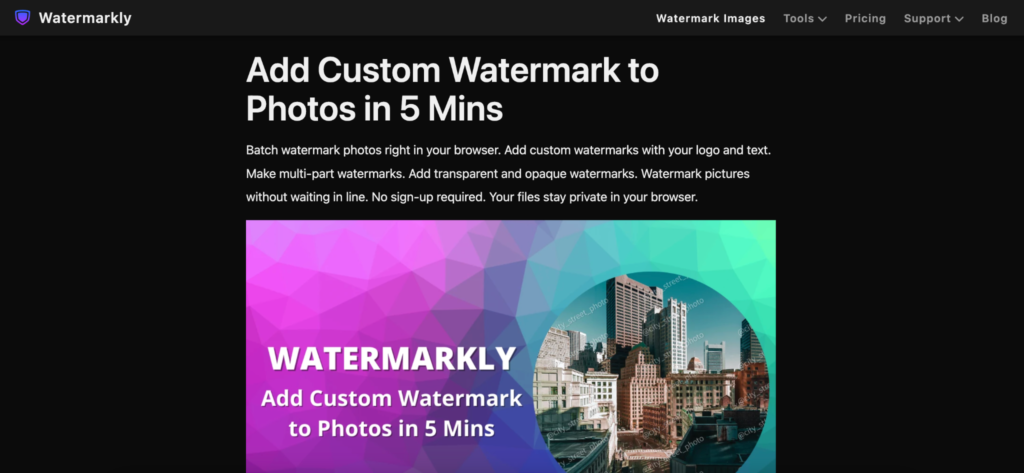
Watermarkly feels built around speed from the very beginning.
The first thing people usually notice is how little setup the workflow requires. There are no crowded editing panels or complicated export menus waiting after upload. The process stays focused almost entirely on watermarking itself.
Upload the file, place the watermark, and export the PDF.
That simplicity matters.
A lot of PDF tools technically include watermarking, though many of them bury it inside larger editing systems that slow users down. Watermarkly avoids that completely.
The editor supports:
- Text watermarks
- Logo overlays
- Opacity controls
- Flexible positioning
- Rotation settings
- Font customization
- Repeating watermark layouts
The controls also feel very direct. Instead of navigating through layers of settings, users move the watermark visually on the page and immediately see the result.
That saves more time than people expect.
Watermarkly works especially well for fast-moving workflows involving:
- Client proposals
- Educational materials
- Downloadable products
- Internal documents
- Worksheets
- Branded PDFs
Another reason the platform feels fast is consistency. The same workflow works across desktop browsers, tablets, and mobile devices without forcing users to relearn the interface.
The free version places Watermarkly branding on exported files, while the mobile app allows limited watermark-free exports after watching an ad.
2. iLovePDF
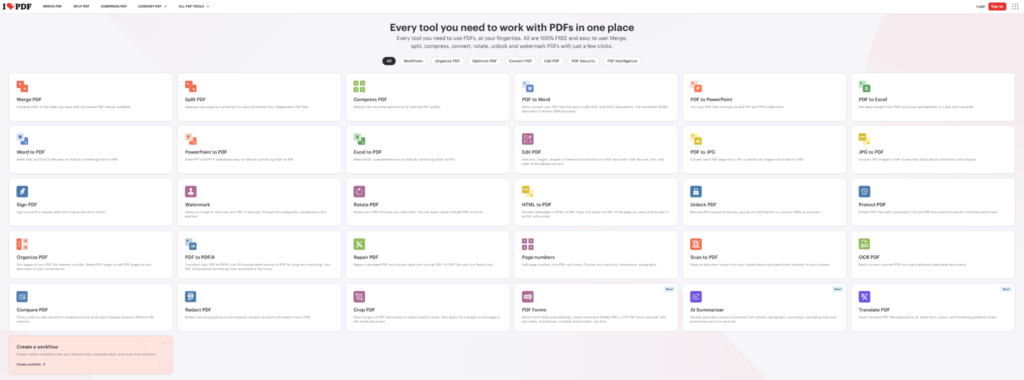
iLovePDF became popular largely because people could complete small PDF tasks without thinking too much about the software itself.
That convenience still carries the platform.
The watermarking workflow is extremely simple:
- Upload the PDF
- Add text or image watermark
- Adjust placement
- Export the file
iLovePDF includes:
- Text overlays
- Image watermarks
- Opacity controls
- Page selection tools
- Cloud integrations
The interface feels familiar even for first-time users, which speeds things up naturally. Nobody wants to spend several minutes searching for watermark settings during a quick edit.
A lot of people also already use iLovePDF for merging, compressing, or converting files, so watermarking becomes part of the same workflow instead of a separate task.
3. Smallpdf
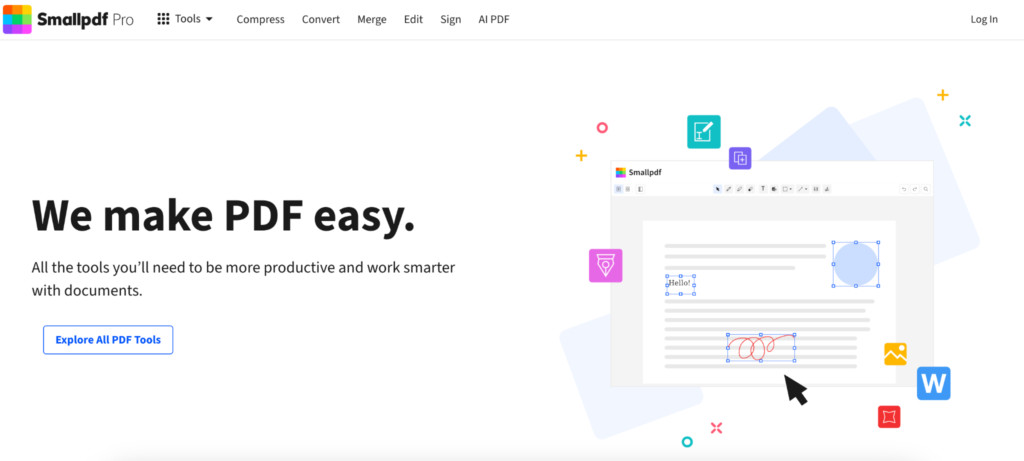
Smallpdf understands something many document platforms still struggle with.
Most users are not trying to become PDF experts.
They just want to finish the task.
The interface stays clean without feeling empty, which helps the watermarking process move quickly from beginning to end.
The editor includes controls for:
- Placement
- Transparency
- Rotation
- Scaling
Smallpdf also integrates smoothly with Google Drive and Dropbox, which helps people move files between devices constantly during the day.
The platform feels especially fast for casual users because the learning curve barely exists.
4. AvePDF
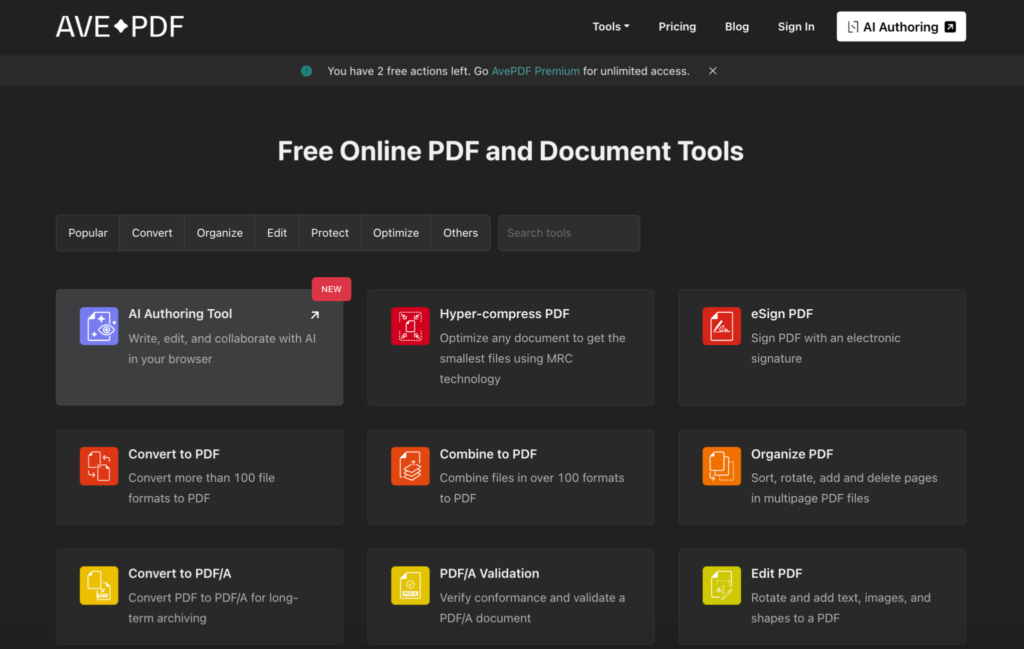
AvePDF does not always appear in mainstream PDF comparisons, though the workflow is noticeably faster than many larger editors.
The interface feels lightweight almost immediately after opening the site.
That difference matters because many PDF tools still overload the screen with menus and controls before users even upload a file.
AvePDF avoids that problem.
The editor includes:
- Drag and drop uploads
- Text watermarking
- Image overlays
- Transparency controls
- Positioning tools
Because the layout stays uncluttered, even first-time users usually move through the process quickly without needing instructions.
It feels closer to a utility than a full software suite, which honestly helps speed more than it hurts.
5. PDF Candy
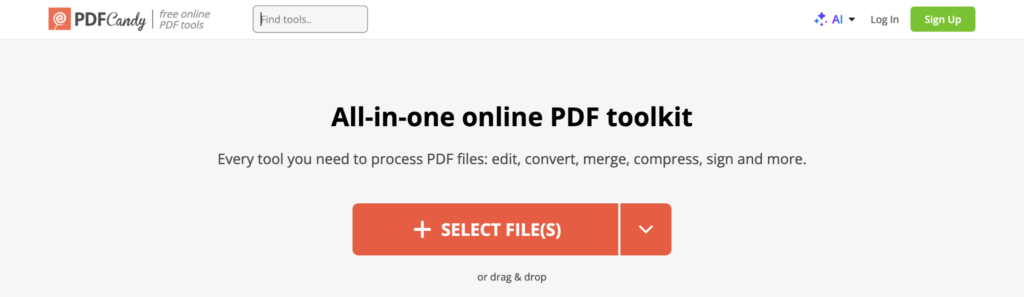
PDF Candy is not the most polished PDF editor online.
That is probably part of why some users like it.
The interface stays practical instead of trying too hard to look premium. The watermark editor handles the basics cleanly, and the workflow remains fairly direct.
The platform supports:
- Text watermarks
- Image overlays
- Opacity settings
- Rotation controls
- Size adjustments
PDF Candy also works well for users constantly jumping between smaller PDF tasks, such as:
- Splitting documents
- Compressing files
- Rearranging pages
- Converting formats
Keeping everything in one place speeds up repetitive workflows naturally.
Some PDF tools feel slow, even when exports are fast
This happens more often than people realize. A platform technically processes the file quickly, though the actual experience still feels slow because the interface creates unnecessary hesitation.
Users stop to search for controls. Menus interrupt the flow. Export options become confusing.
That kind of friction matters more than raw processing speed. The fastest tools usually simplify decisions instead of multiplying them. People notice smooth workflows immediately, even if they cannot explain exactly why the editor feels easier to use.
The fastest watermarking workflows usually stay simple
A lot of users make watermarking slower than it needs to be.
The logo becomes oversized. Placement gets adjusted endlessly. The overlay becomes too dark. Suddenly, a ten-second task turns into twenty minutes of editing.
In practice, the cleanest watermarks usually share a few characteristics:
- Light opacity
- Consistent placement
- Clear typography
- Reasonable sizing
- Transparent logos
Subtle overlays tend to look more professional and take less time to adjust properly.
The best watermark workflows are usually the ones people barely think about afterward.
Speed matters differently depending on the workflow
Someone watermarking a single worksheet occasionally probably does not care about the same things as a business team processing contracts every day.
Different workflows create different priorities.
Some users care most about:
- Fast uploads
- Batch processing
- Mobile compatibility
- Easy logo placement
- Cloud integrations
- Clean exports
Others simply want the shortest possible path between uploading the file and downloading the finished PDF.
The fastest tool is usually the one that matches the workflow naturally.
Fast software usually feels invisible
People rarely remember software that works smoothly. They remember software that interrupted them.
That is one reason lightweight PDF watermark tools became so popular over the last few years. Users no longer want editing workflows that feel heavier than the task itself.
Some platforms focus more on branding flexibility. Others lean toward productivity or structured document handling. Watermarkly stands out because the process feels immediate from the start, especially for freelancers, educators, creators, and small teams that need to watermark PDFs quickly without dealing with complicated software.
In practice, the fastest tools are usually the ones people stop noticing entirely because the workflow simply keeps moving.